
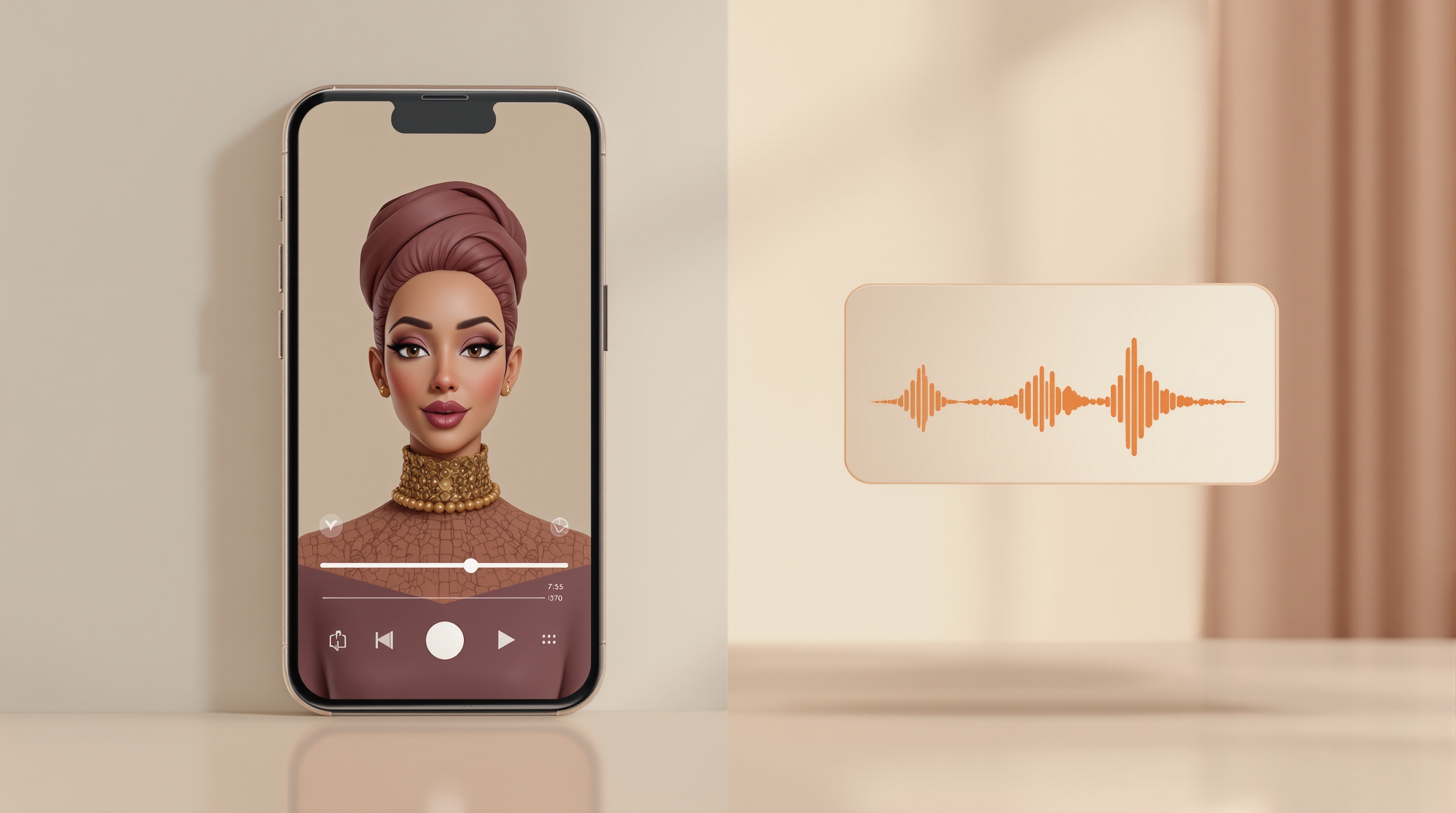
MakePodcast and NotebookLM solve two different problems. MakePodcast turns your script and a chosen host into a short, branded podcast reel with a real avatar host on screen, your name, and your brand, in 70+ languages. NotebookLM, by contrast, generates an audio-only "Audio Overview" from documents you upload, using two generic synthetic voices that discuss your material. One is a publishing tool for short-form video. The other is a research and study companion. If you want something you can post to Instagram, TikTok, or LinkedIn with your brand on it, that's MakePodcast. If you want a podcast-style summary of your own notes to listen to, that's NotebookLM.
This post lays out the differences honestly, including where NotebookLM is the better pick.
TL;DR:
- MakePodcast = branded podcast reel, a real avatar host, your own script, your brand, 70+ languages, built for social and short-form.
- NotebookLM = audio-only overview auto-generated from your uploaded documents, two generic AI voices, no video, no brand, no on-screen host.
- NotebookLM is built for learning and summarizing your sources. MakePodcast is built for publishing content people see.
- Pick NotebookLM to study or digest documents. Pick MakePodcast to put a host and a brand on a podcast reel you'll post.
What is the core difference between MakePodcast and NotebookLM?
MakePodcast produces a podcast reel with a visible avatar host that speaks your script in your brand's style. NotebookLM produces an audio file where two AI voices summarize documents you uploaded. The first is something you publish; the second is something you listen to. That single distinction, video output you control vs. audio output the model generates, drives almost every other difference below.
NotebookLM grew out of Google's research tooling. Its Audio Overviews are designed to help you understand a stack of sources faster, the way a smart study partner might talk you through your reading. The voices, tone, and structure are chosen by the model, not by you.
MakePodcast starts from the opposite end. You bring the message. You write or paste a script, pick a host, and get back a short podcast reel (usually 15 to 30 seconds, up to 90, single host) that's ready to post. There's no camera, no studio, and no editor in the loop.
Does NotebookLM make video podcasts?
No. NotebookLM's Audio Overviews are audio only. There is no avatar, no on-screen host, and no video file to download for social. You get a conversational audio clip generated from your notebook's sources, which you can listen to in the app or export as audio.
If your goal is a podcast reel for Reels, TikTok, Shorts, or LinkedIn video, NotebookLM doesn't produce that format. You'd need to build the visual layer somewhere else. MakePodcast was built for exactly that visual layer: an avatar host on screen, framed for vertical and square feeds.
Can you control the voice, script, and brand?
This is where the tools diverge most. With MakePodcast you control the script word for word and choose the host, so the podcast reel sounds and looks like your brand. With NotebookLM you steer the topic and can add focus instructions, but the conversation, phrasing, and voices are generated for you.
| MakePodcast | NotebookLM | |
|---|---|---|
| Output format | Branded podcast reel | Audio-only overview |
| On-screen host | Real AI avatar host (on screen) | None |
| Script control | You write the exact script | Model generates the conversation |
| Voices | Chosen host voice | Two generic AI voices |
| Brand / logo on output | Yes | No |
| Languages | 70+ | Limited (English-first) |
| Built for | Publishing to social / short-form | Studying and summarizing your sources |
| Input | Your script + chosen host | Documents you upload |
| Best for | Founders, marketers, creators | Researchers, students, analysts |
The simplest test: if you'd post it, you probably want MakePodcast. If you'd only listen to it, NotebookLM fits.
Which one should you use?
Choose based on whether the result is meant to be seen or understood. Both are good tools; they just aim at different finish lines.
Use NotebookLM when you want to:
- Turn a pile of PDFs, articles, or notes into a spoken summary you can listen to (we compared every route in PDF to podcast: 5 real ways and how to turn an article into a podcast).
- Study faster or review research without reading every page.
- Build a free study aid for a course you sell, which is the job the free tier covers and the one we argue you should never pay for in the best AI podcast tools for course creators.
- Get a private audio digest of your own material, no publishing involved.
Use MakePodcast when you want to:
- Publish a short, branded podcast reel to Instagram, TikTok, LinkedIn, or YouTube.
- Put a consistent host and your brand on every podcast reel.
- Produce short-form video in any of 70+ languages without a camera or editor.
- Keep a steady posting cadence without booking a studio. See how this compares to the old way in AI podcast vs. hiring a videographer.
For more on the broader category these tools sit in, read what an AI podcast actually is. And if you're weighing this for a company rather than personal use, AI podcasts for business covers the marketing angle.
Can you use both together?
Yes, and for some workflows that's the smart move. Use NotebookLM to digest your source material and surface the key points, then write a tight script from those points and bring it into MakePodcast to publish a branded podcast reel. NotebookLM helps you understand faster; MakePodcast helps you ship something people see.
A common pattern: feed your research into NotebookLM, listen to the overview while commuting, pull the three sharpest takeaways, and turn each into a 20-second podcast reel with a consistent host. Research in, published podcast reels out.
FAQ
Is NotebookLM free?
NotebookLM has a free tier from Google with usage limits, plus a paid plan with higher limits. MakePodcast is a separate paid product focused on producing branded podcast reels. They aren't substitutes, so pricing comparisons don't map cleanly. Check each product's current pricing for exact limits.
Does MakePodcast generate a script for me like NotebookLM does?
The two work differently. NotebookLM generates the whole conversation from your documents. MakePodcast is script-first: you bring or write the script, then it produces the podcast reel. That's by design, so the podcast reel says exactly what you want in your brand's voice.
Can NotebookLM voices use my brand or my own voice?
No. NotebookLM uses its own generic AI voices and doesn't put your brand or logo on the output. MakePodcast gives you a chosen avatar host on screen and your brand on the podcast reel.
What languages does each support?
MakePodcast supports 70+ languages for the podcast reel. NotebookLM's Audio Overviews have historically been English-first with expanding language support; check Google's current list before relying on a specific language.
Which is better for posting on social media?
MakePodcast. It outputs a branded podcast reel sized for short-form feeds, with a visible host. NotebookLM produces audio only, which isn't a social video format on its own.
If your goal is a branded podcast reel you can post, not just an audio summary to listen to, start a podcast reel in the MakePodcast composer and turn your script into short-form video with a real host.